
Trigger Boards.
Put the moment
in their hands.
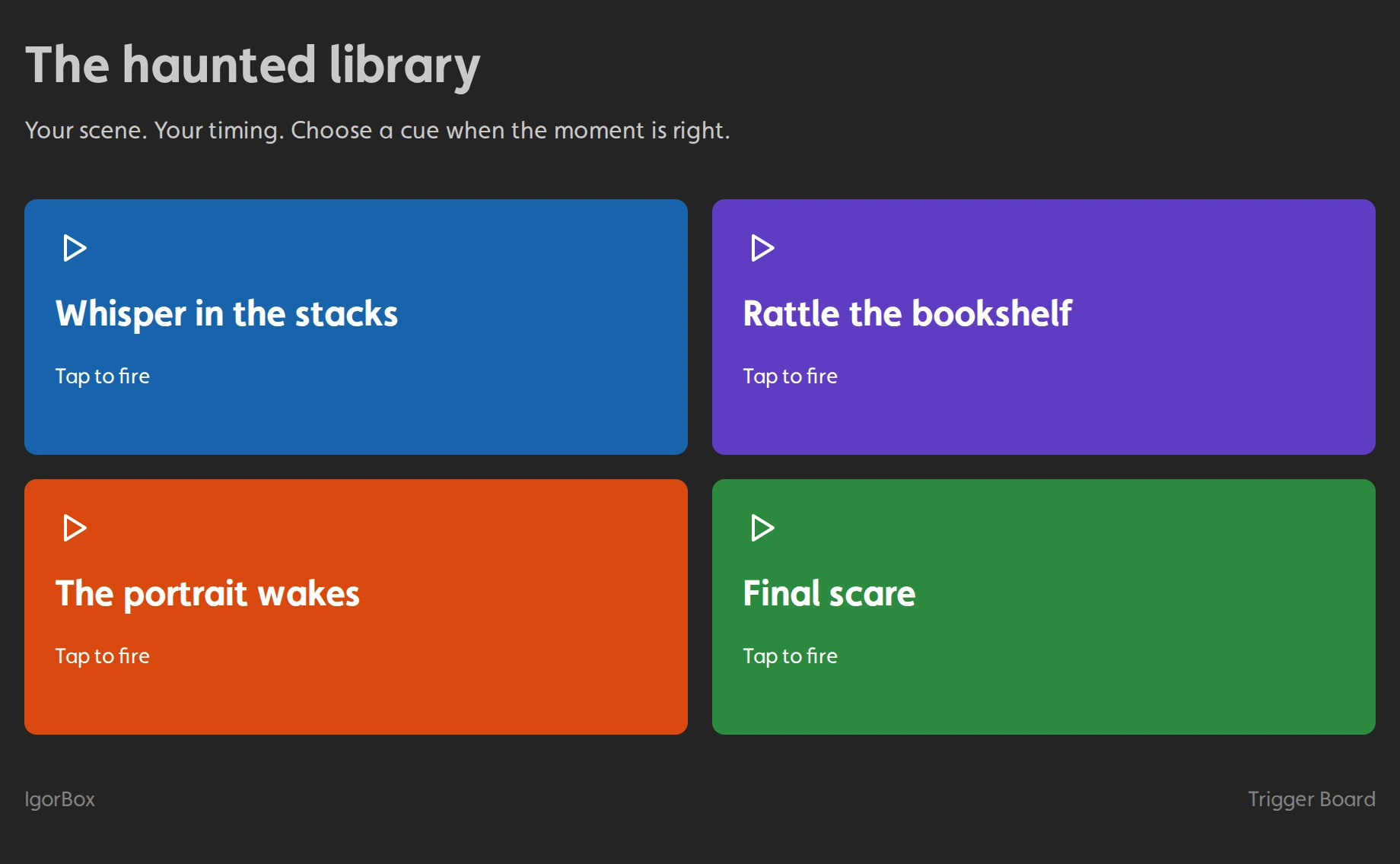
The guest steps closer. Your actor taps a button. The scene comes to life.
Give actors and game masters a simple control panel on a phone or tablet. You choose the shows and triggers. They choose the moment.
Included with IgorBox Studio Builder and above.
For the people making it happen.
- Haunt actors
- Escape room game masters
- Live experience crews
Your show control.
Their own simple buttons.
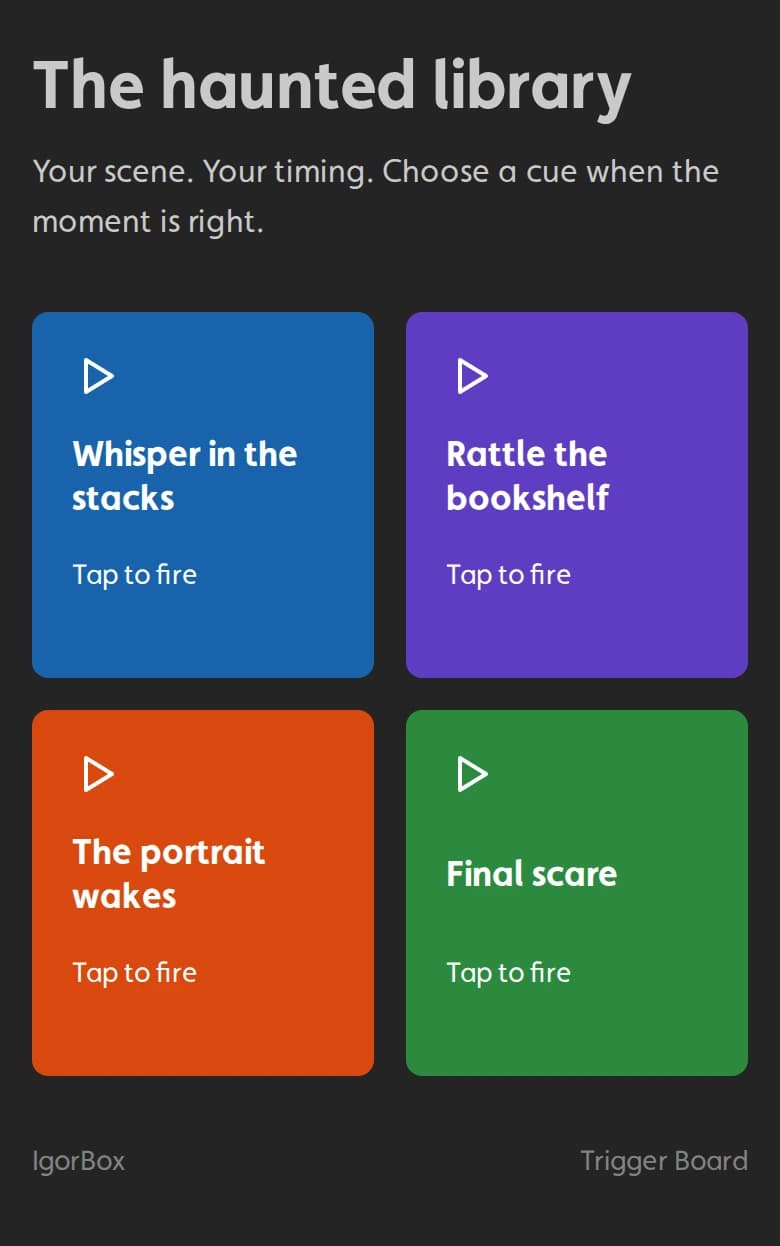
Build a board around a role, a room, or a scene. Give each person the cues they need, with names that make sense to them.
Choose what each button does
Play a show, fire a connected input, or activate a Virtual Input in your logic rules. Connect a button to your room reset or puzzle hint logic.
Make it unmistakable
Name the buttons, choose their colors, and arrange them in the order your crew uses them. Make an important button full width.
Publish it and hand it over
Your actor opens the board in a browser. Big, easy-to-press buttons. No app to install and no show editor to navigate.
Share the controls.
Keep control of access.
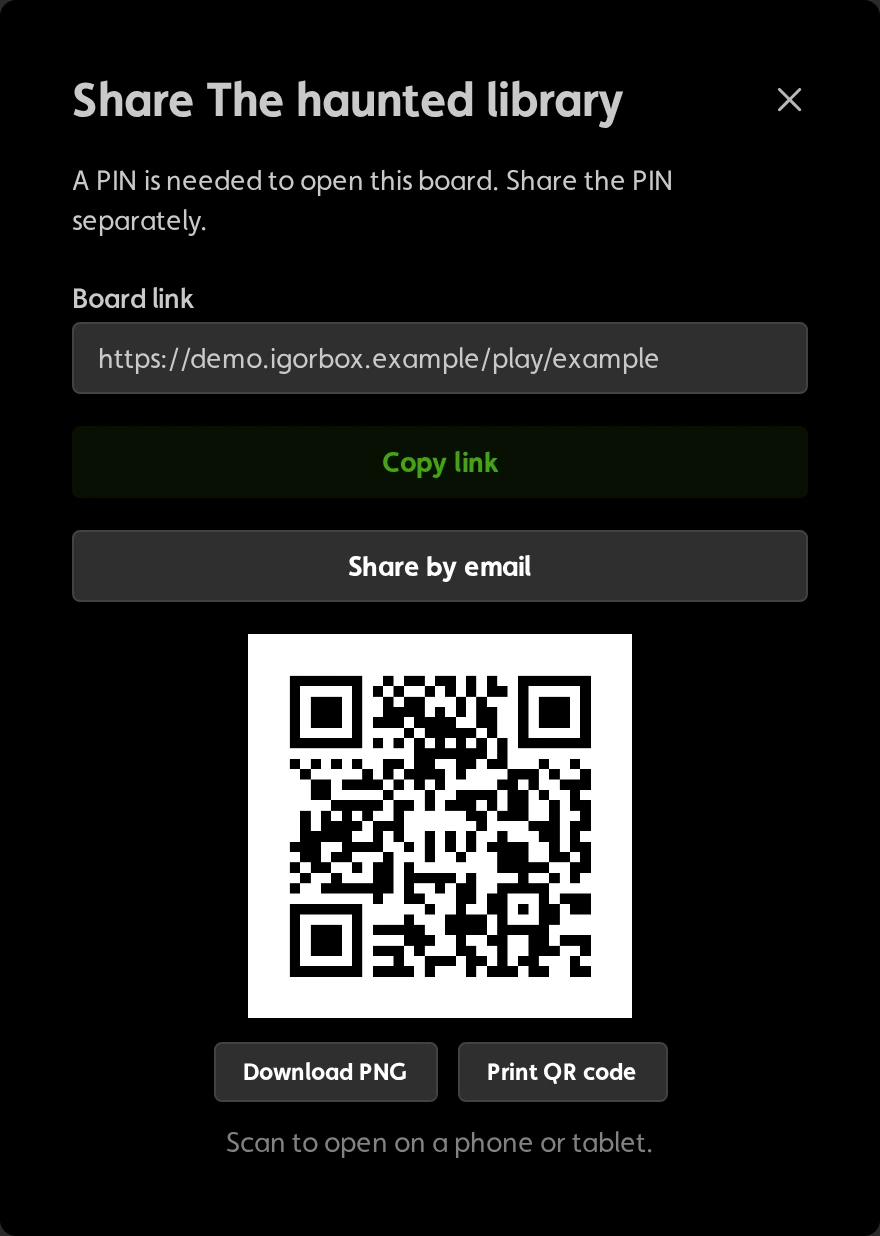
Email a board with a personal message, copy its link, or print a QR code for the actor station. Choose who can open it.
- Link + PIN
- Let guests unlock the board without an IgorBox Studio account. Choose how long their access lasts, up to 24 hours.
- IgorBox Studio members
- Require sign-in. Every member of your organization, including viewers, can use the board.
- Secret link
- Anyone with the link can use the board without signing in. Share it only with people you trust.
Enable or disable boards from one list.
A few things
to know.
Simple for your crew.
Connected to your IgorBox system.
Does a Trigger Board need internet?
Yes. The phone or tablet and the controller receiving the command must be connected to the internet. Your existing local shows and physical triggers can still work without internet; Trigger Board presses need that connection.
Do actors need an IgorBox Studio account?
Not when you choose PIN or secret-link access. If you choose member access, they must sign in as a member of your IgorBox Studio organization.
Who can create a board?
Editors and administrators on IgorBox Studio Builder, Pro, or Enterprise can create boards. Existing boards are disabled if the organization moves to Free.
What happens when I disable a board?
It stops accepting new button presses. It does not stop a show that is already playing.
Give every scene
its own control panel.
Make your first Trigger Board in IgorBox Studio.
Builder or above. IgorBox controller and internet connection required.