
Welcome to IgorBox
Set up your controllers from your phone.
IgorBox Connect gets a brand-new controller onto your WiFi over Bluetooth, with no Ethernet cable, no laptop, and no crawling under the stage to run a temporary line. Free for iPhone and Android.
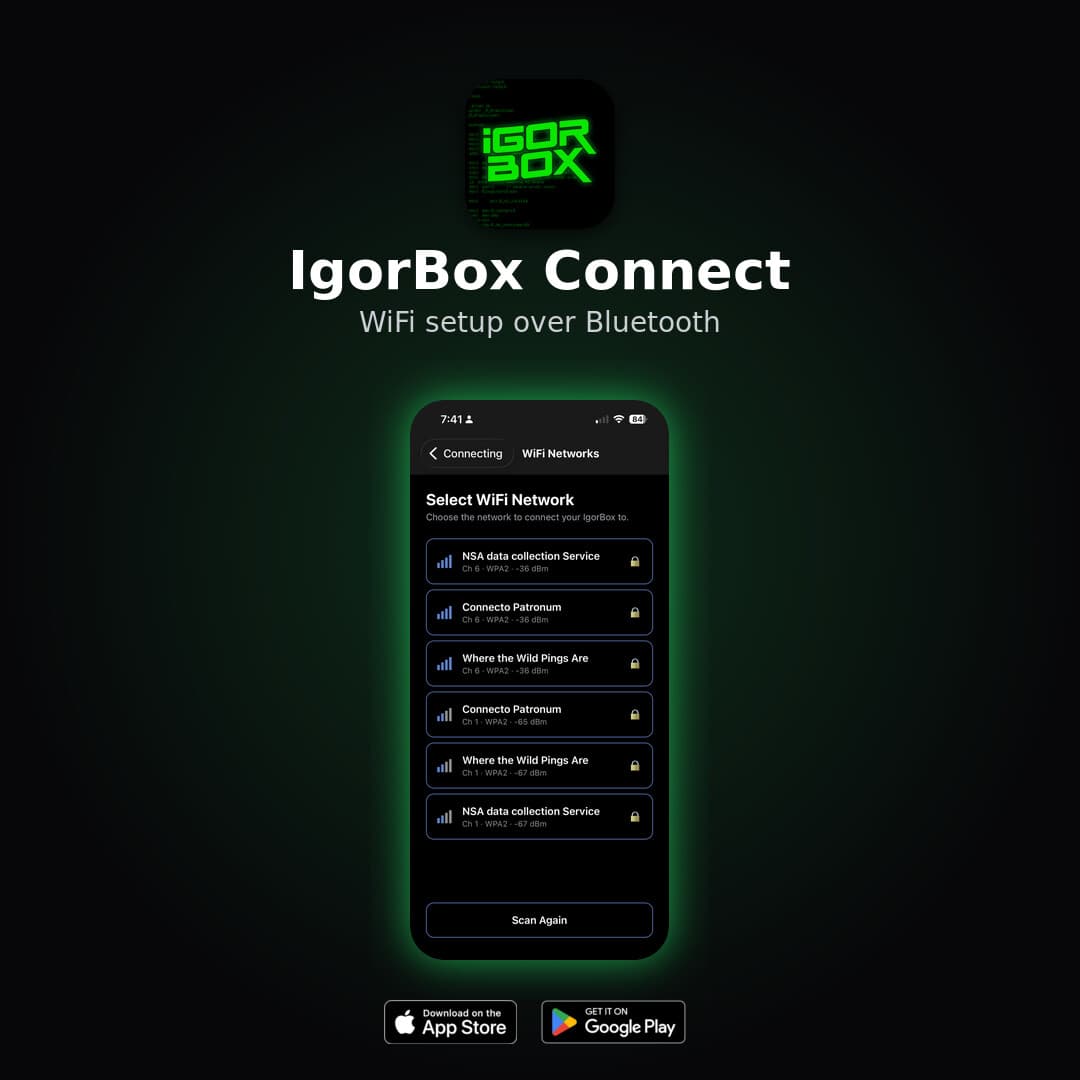
No cable. No laptop. No fuss.
Configuring a controller on-site used to mean dragging a temporary Ethernet cable to wherever the box happened to be mounted. IgorBox Connect came straight out of real-world feedback from haunts and escape rooms in the field. Now you just walk up with your phone, get the controller on WiFi, and move on to the next one.
Five steps to online.
Scan
Open the app and it finds nearby controllers in Setup Mode over Bluetooth, with no network or cable required.
Connect
Tap your controller and confirm the serial number, model, and firmware so you know you've got the right box.
Authorize
Press the front button on the controller within 30 seconds. Nothing changes until someone standing at the box says so.
Pick WiFi
Choose your network from the list the controller scanned for you, so there's no typing out network names.
Go online
Enter your WiFi password and the controller connects. From there it reconnects to your Studio account on its own.
Designed for the floor, not the bench.
Bluetooth, not WiFi
IgorBox Connect talks to your controller over Bluetooth Low Energy, the same tech as your wireless earbuds, so you can set it up from several feet away before it's ever touched a network.
Press-to-authorize security
A controller in Setup Mode won't accept any changes until someone presses its front button within 30 seconds. Only a person standing at the box can configure it.
Built-in status LED guide
An animated reference shows every controller status LED state and what it means, linked straight to the full documentation, so you always know what your box is telling you.
Is my controller ready?
A controller is ready for IgorBox Connect when its status LED shows a slow blue pulse. That's Setup Mode.
You'll see that pulse on a brand-new controller, or after a factory reset, as long as it has no saved WiFi credentials and no Ethernet cable plugged in. Once it's online, it either reconnects to your existing Studio account automatically or pairs with an 8-character setup ID.
Get IgorBox Connect.
Free on the App Store and Google Play. Download it, walk up to your controller, and you're online in minutes.
Read the full IgorBox Connect guideGot feedback? Tell us on Discord.